Cards · Unfold
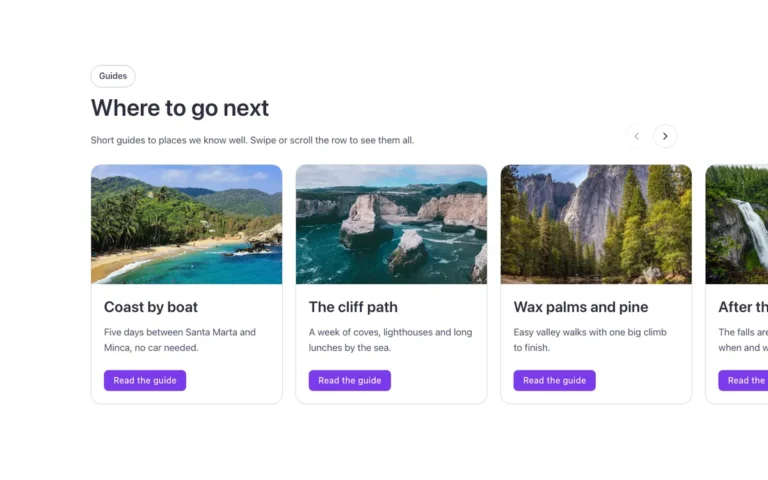
A cards section for Bricks Builder with a row of overlapping photo cards, tilted and sunk half into the bottom edge. On hover, a card straightens, rises and shows its text, making the row feel playful to browse.
In the annual plan, $99/year. See plans
Uses a small script. Turn on Code execution in Bricks › Settings › Custom code. How to turn on Code execution
Preview

Loading demo…
Template details
What’s inside
The components it’s built from. They come with the template when you paste it, and you edit them from the Bricks panel.
Adjust it
Change these variables in Bricks to tune it; everything else follows your framework.
On the element Unfolded cards, class fbk-cardsunfold
Card width and height, and how much they overlap in the fan
- --fbk-t-width
- 15em
- --fbk-t-height
- 22em
- --fbk-t-overlap
- 2.5em
How much of the cards sinks below the section's bottom edge (0.35 = 35 %)
- --fbk-t-sink
- 0.35
One hover duration for the whole library (--fbk-hover)
- --fbk-t-time
- var(--fbk-hover)
Replaces
In Fancy Bricks 1.0 and 2.0 this was Unfold cards section (2.0).