
Fancy Bricks plugin · 360 product spin
A 360 product spin for Bricks Builder and WooCommerce
A native element that turns a product through a sequence of photos. Mouse, finger or arrow keys, with fewer frames on phones.
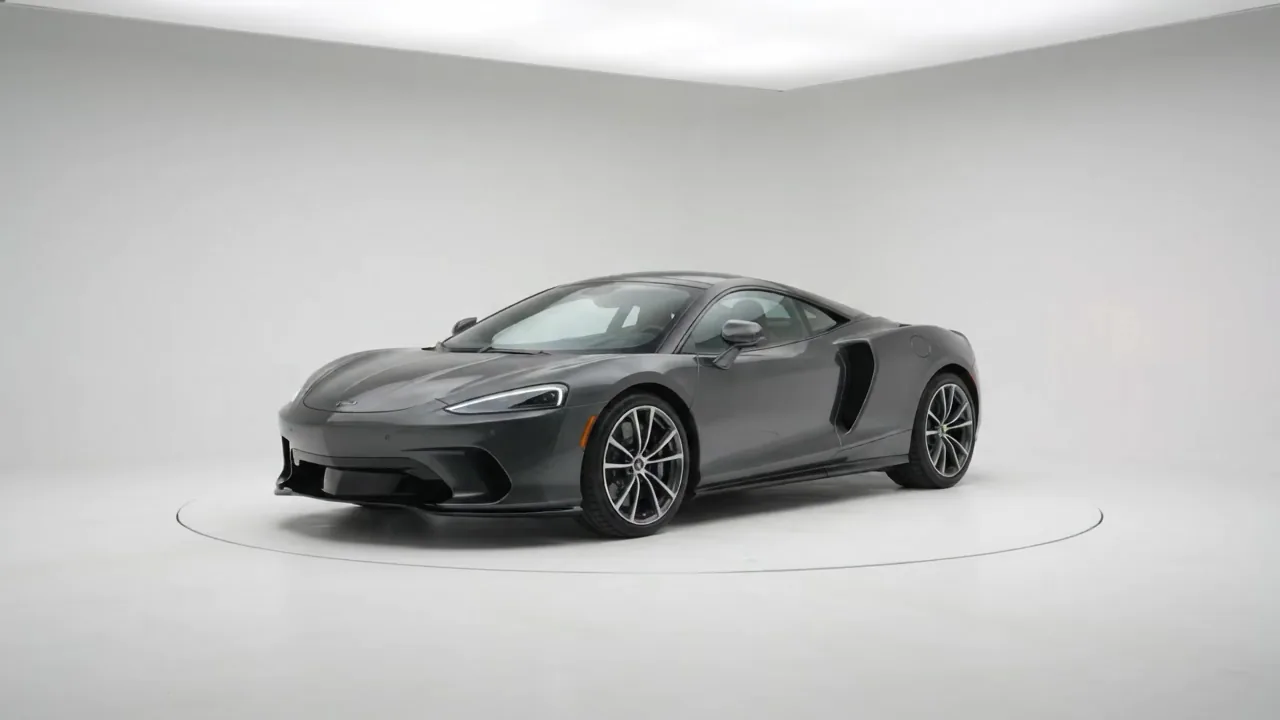

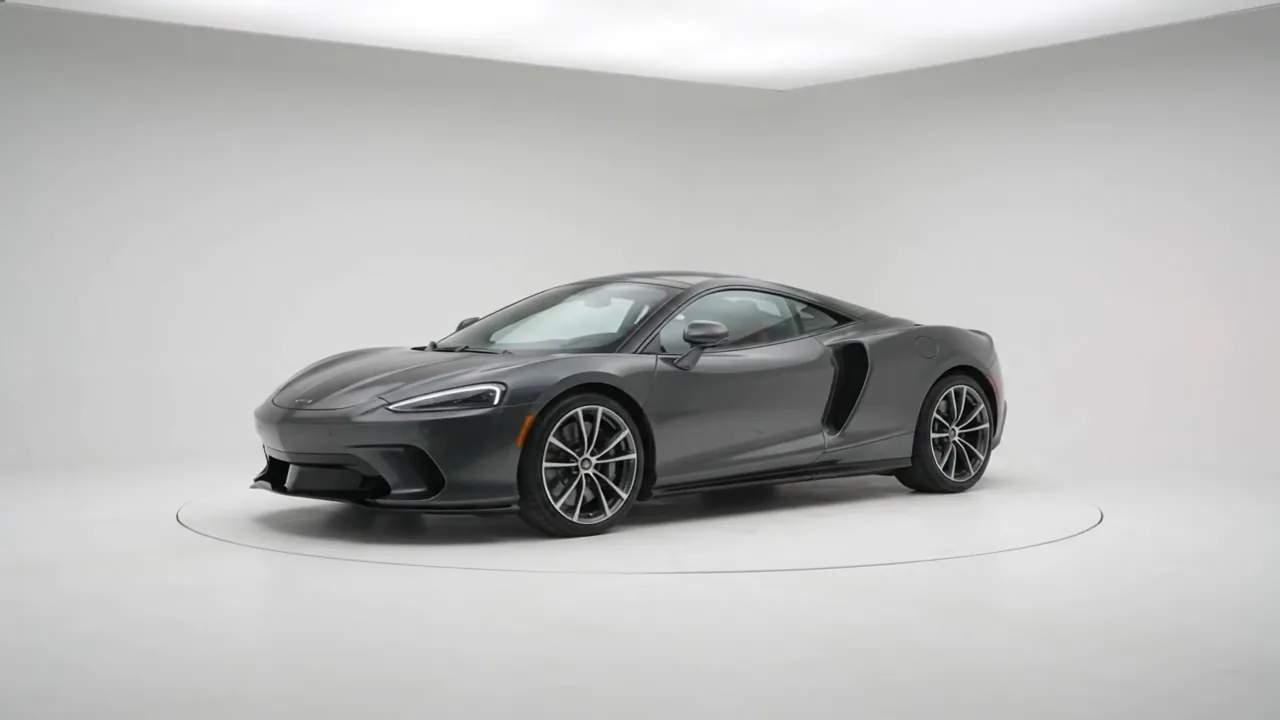

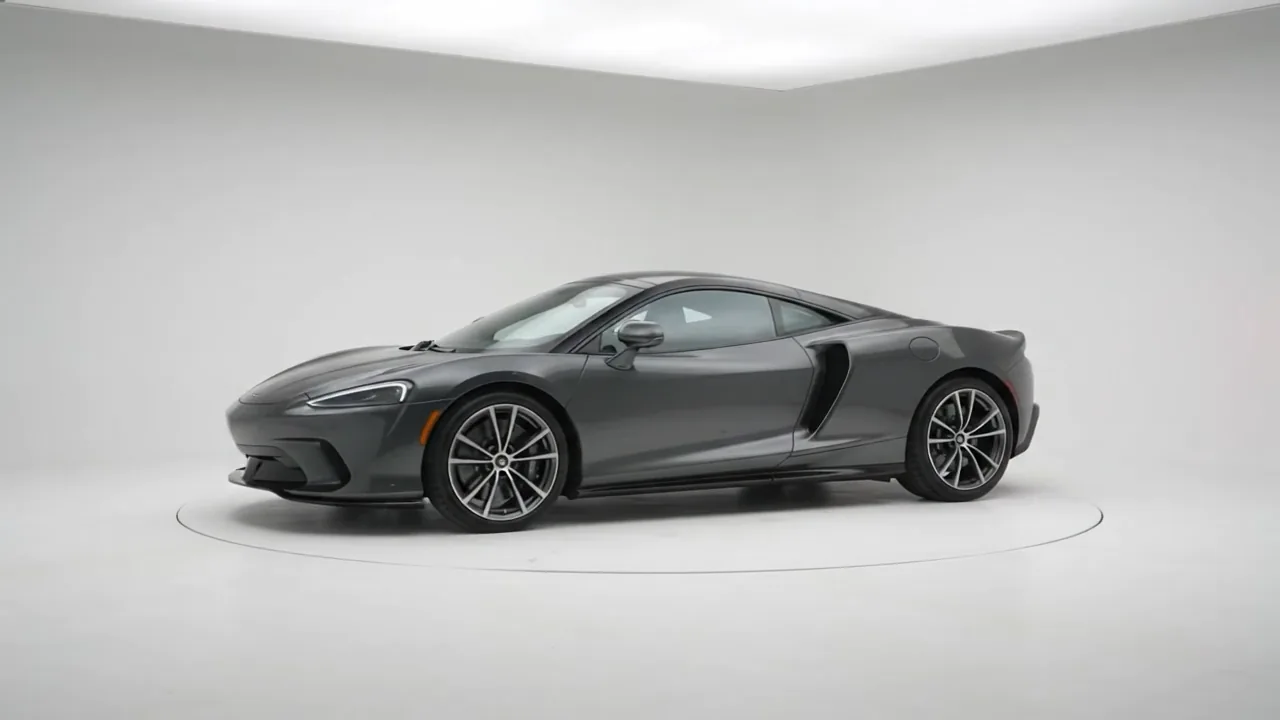

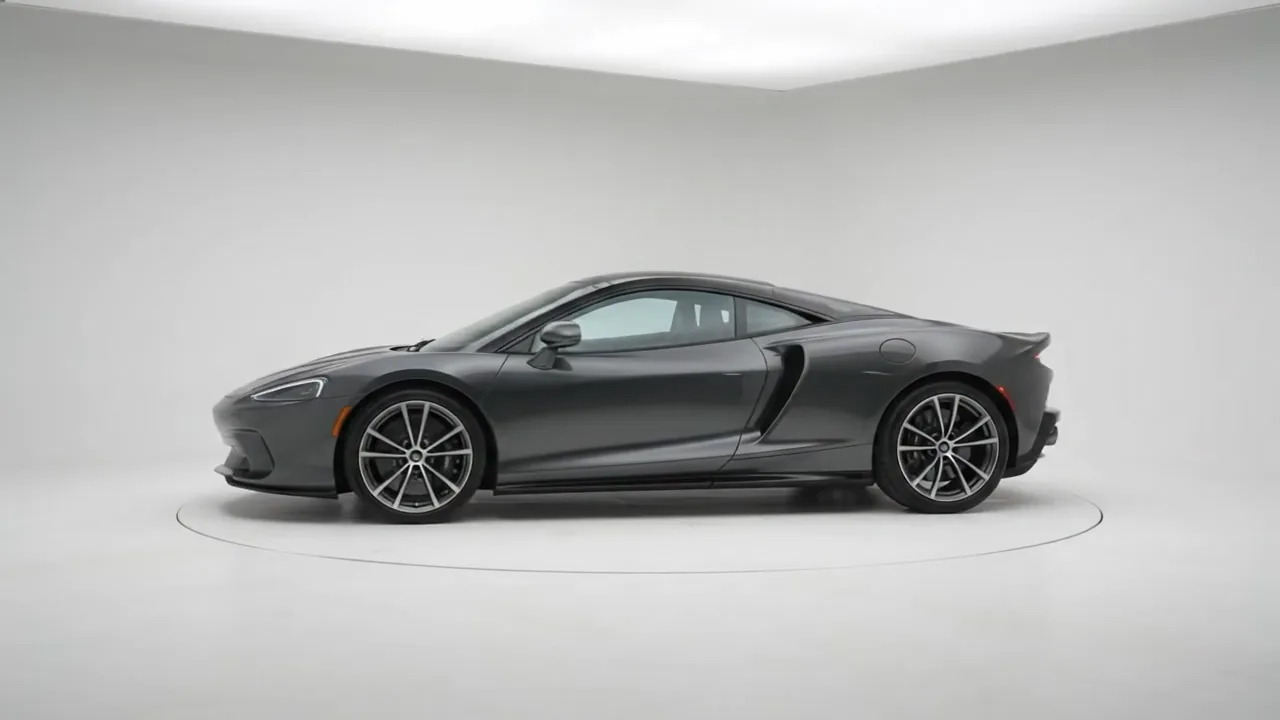

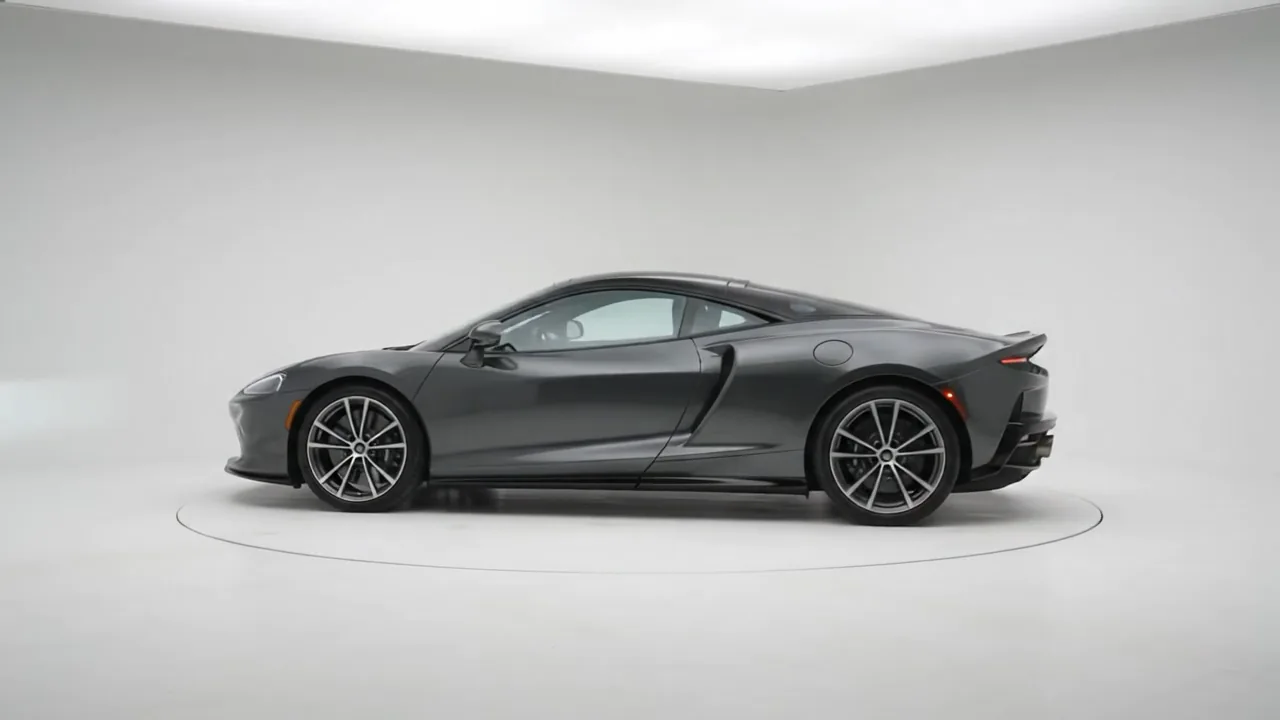

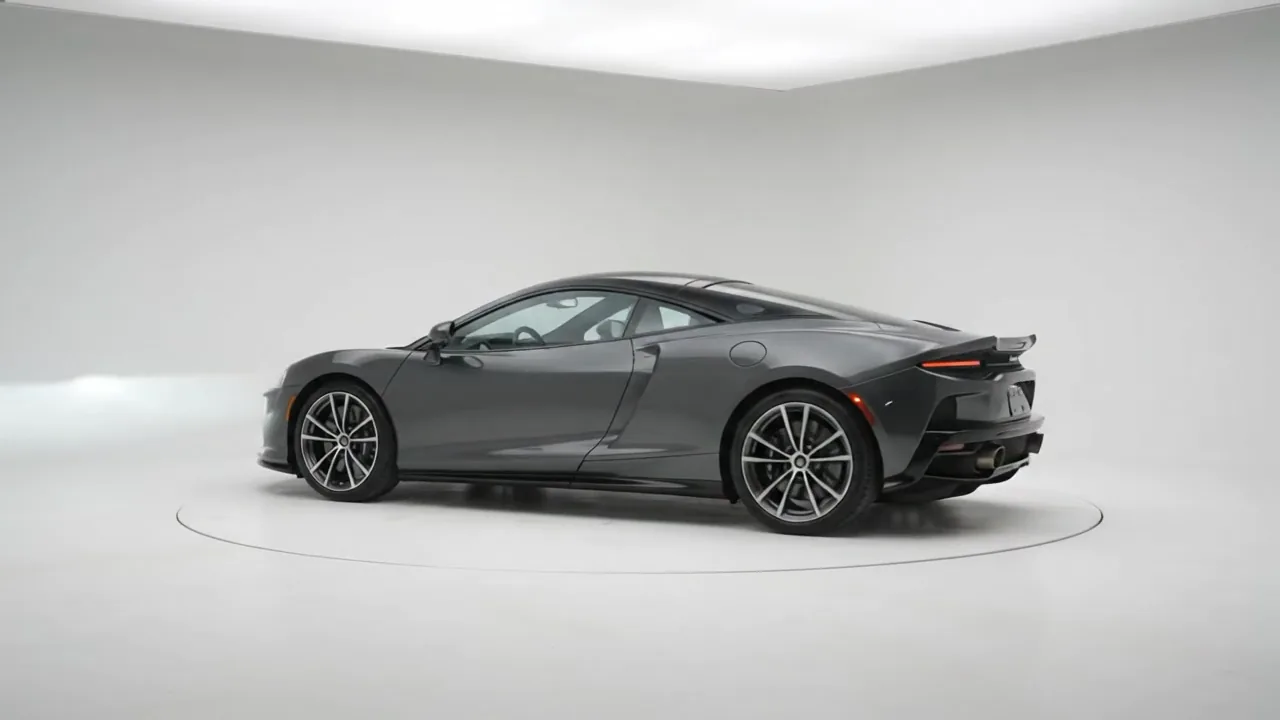

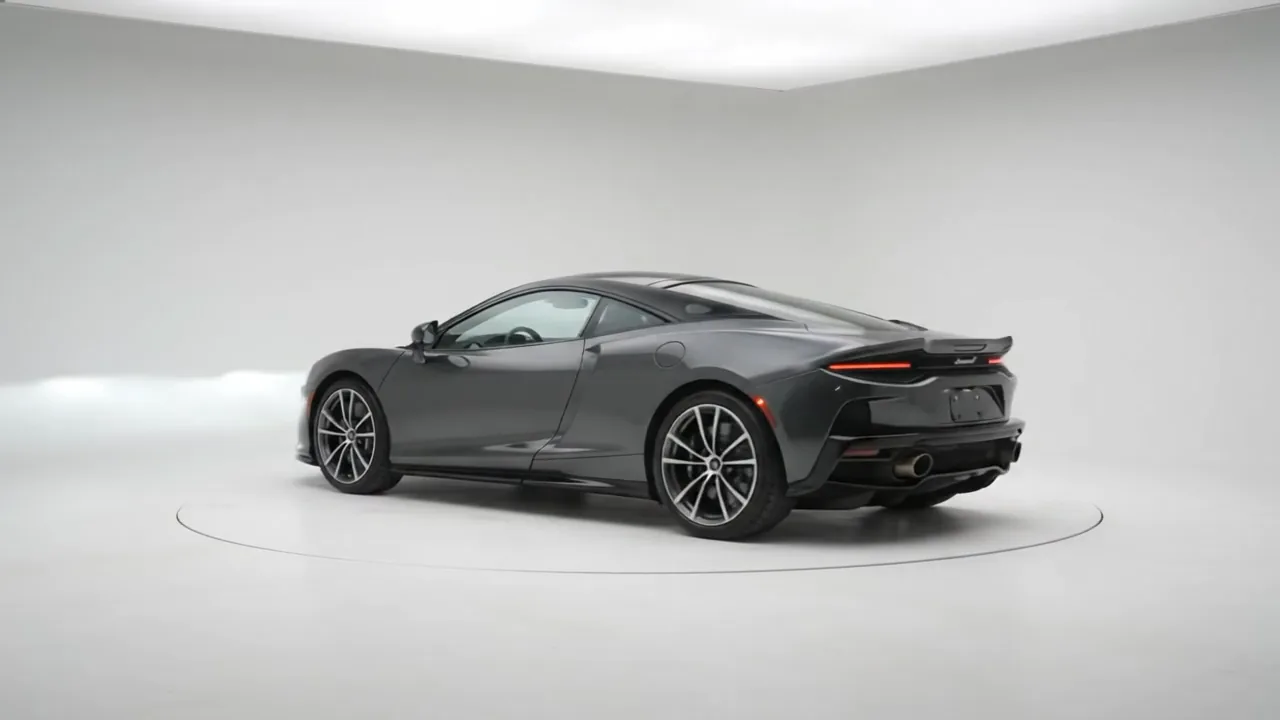

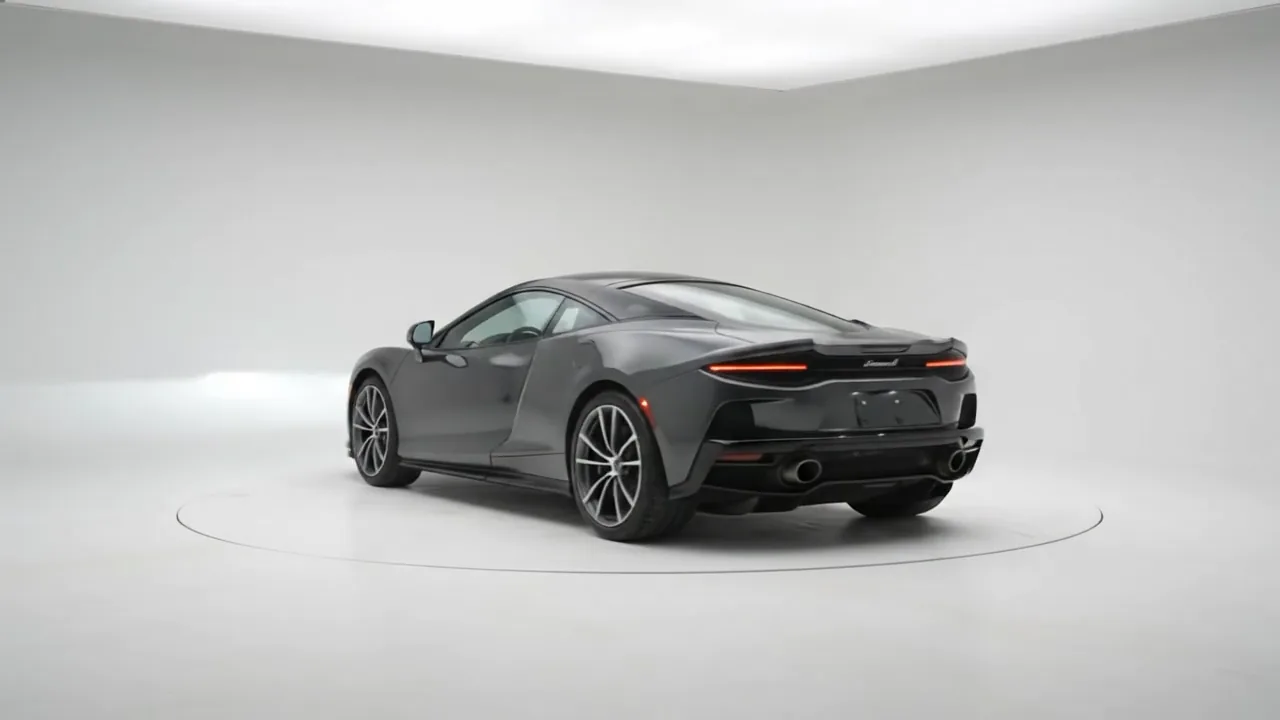

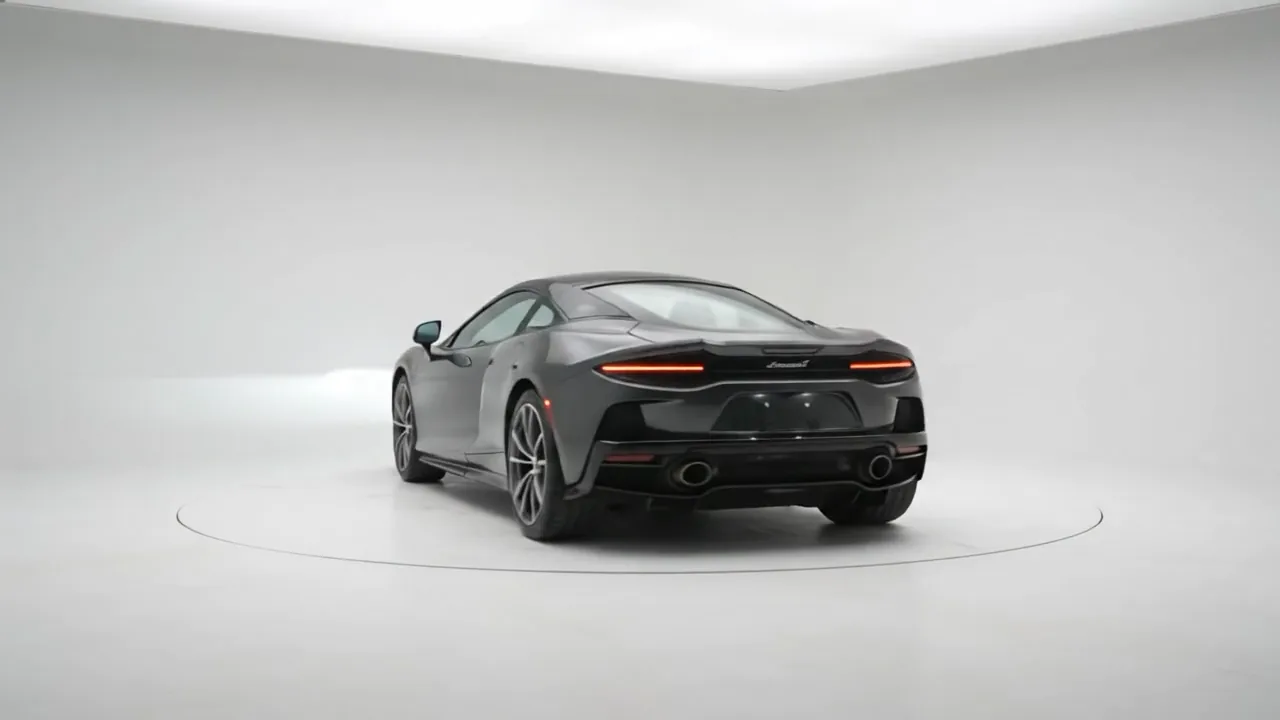

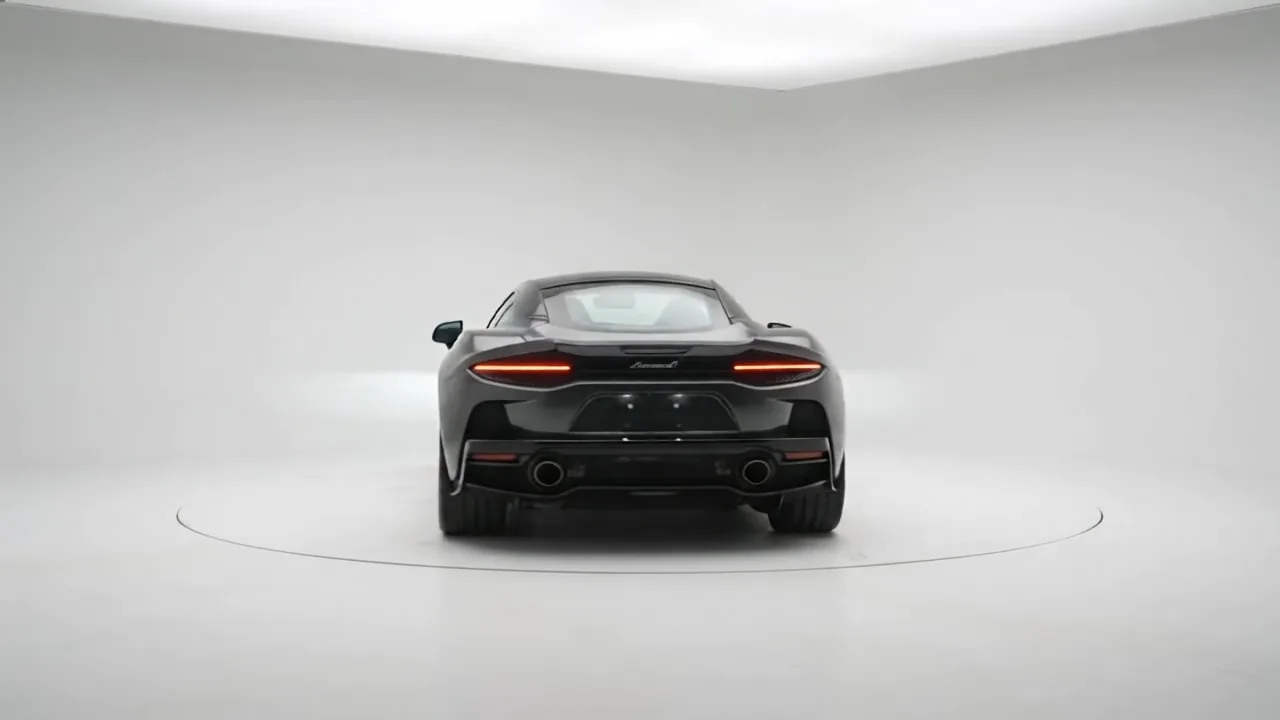

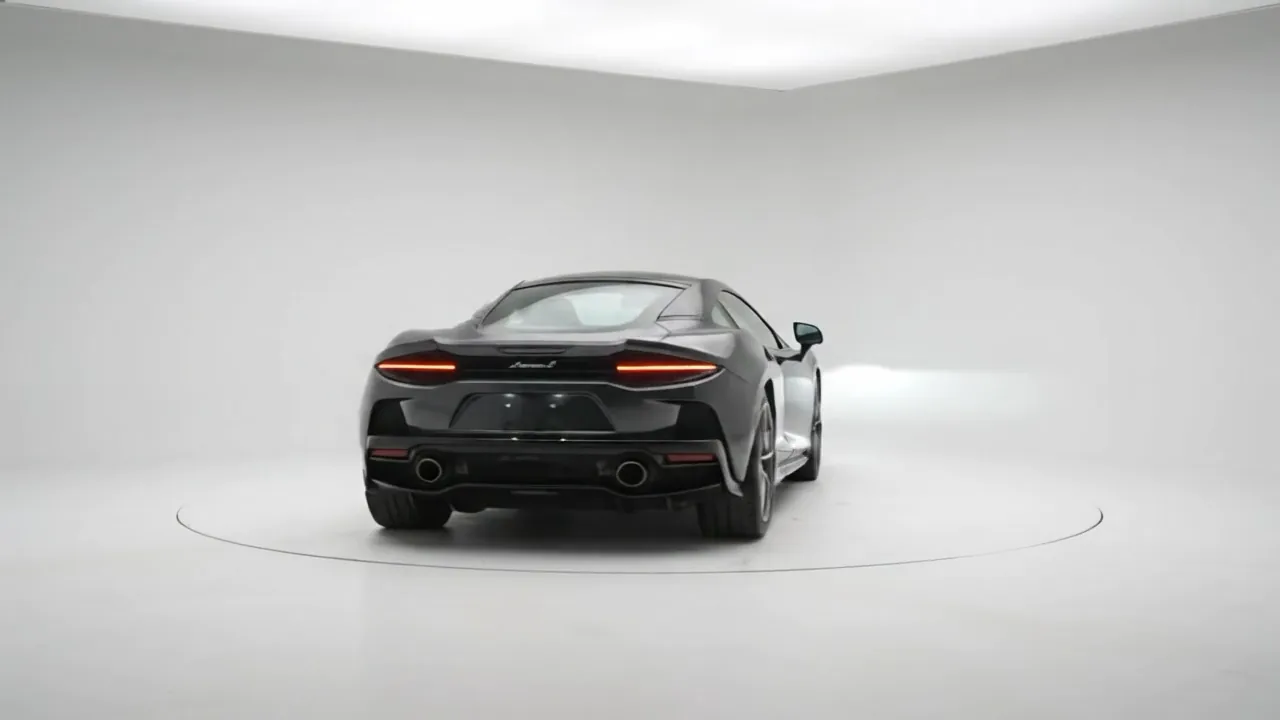

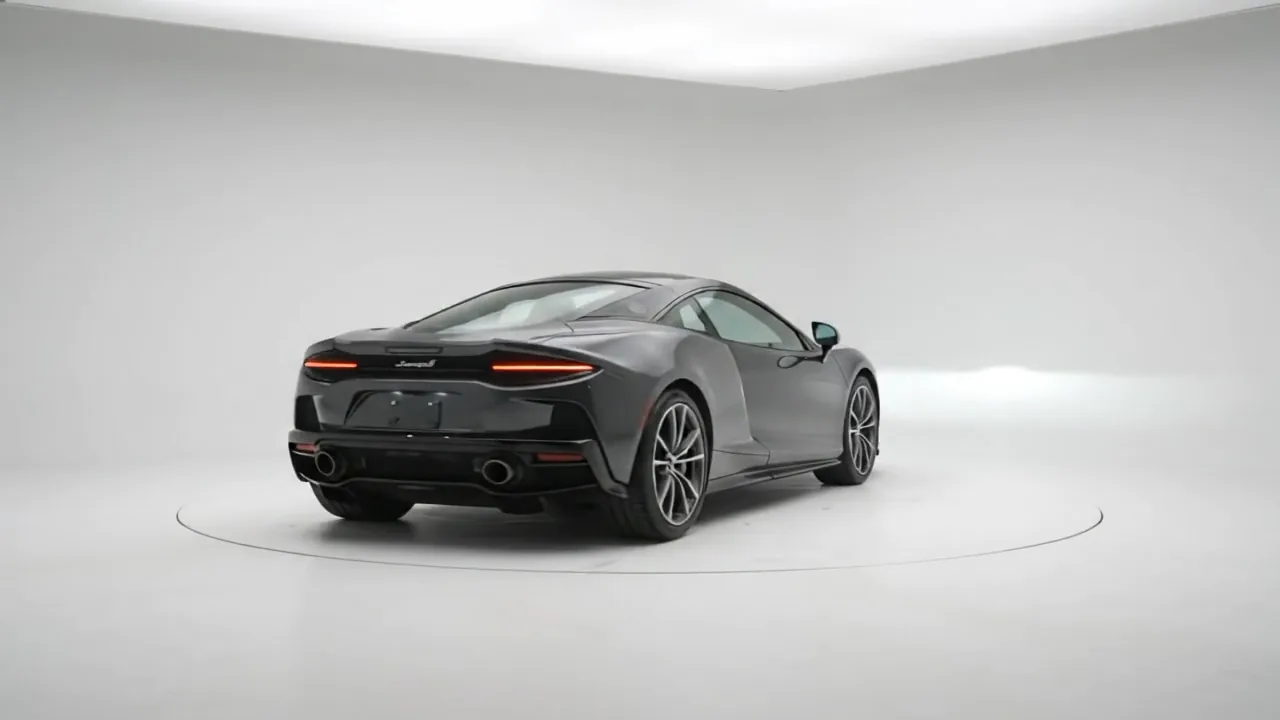

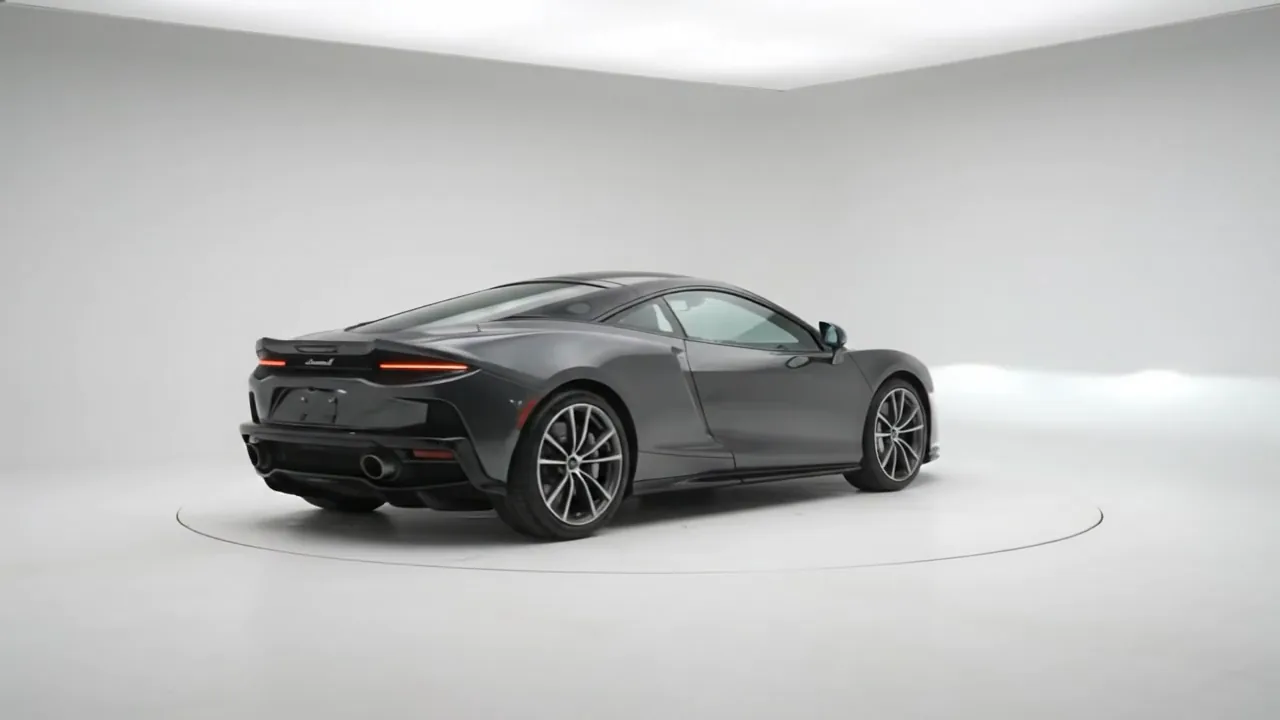

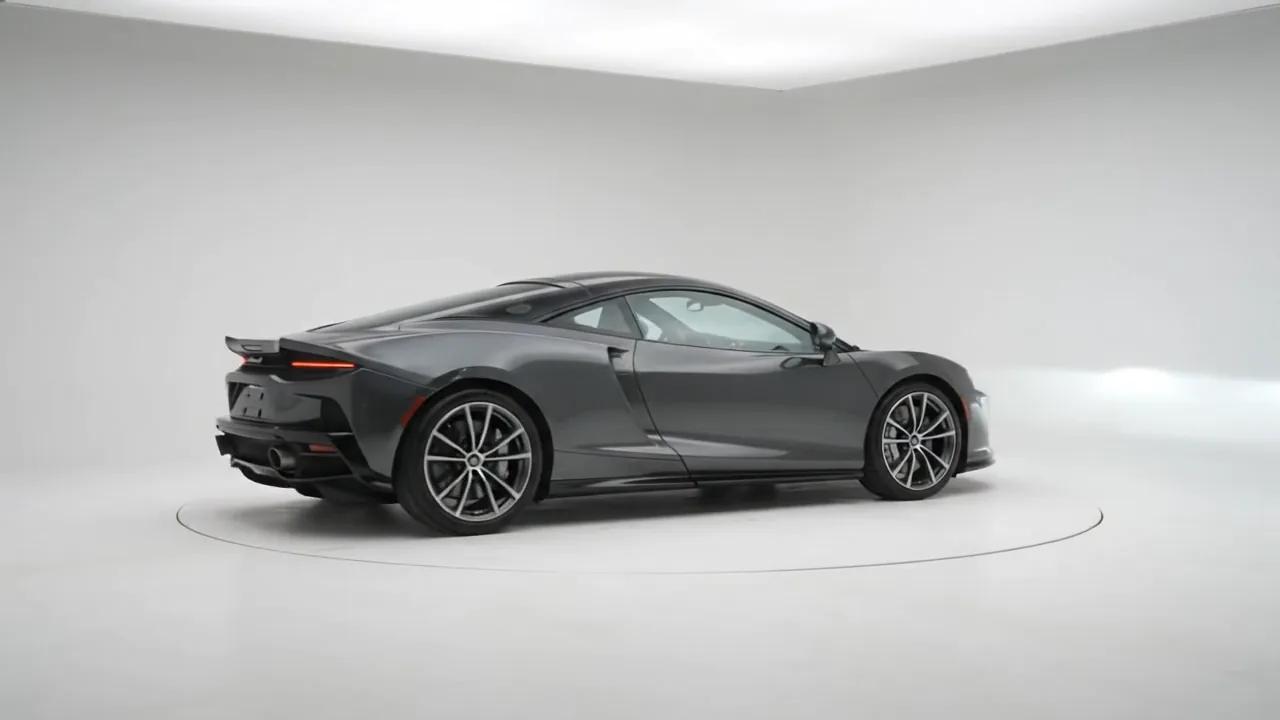

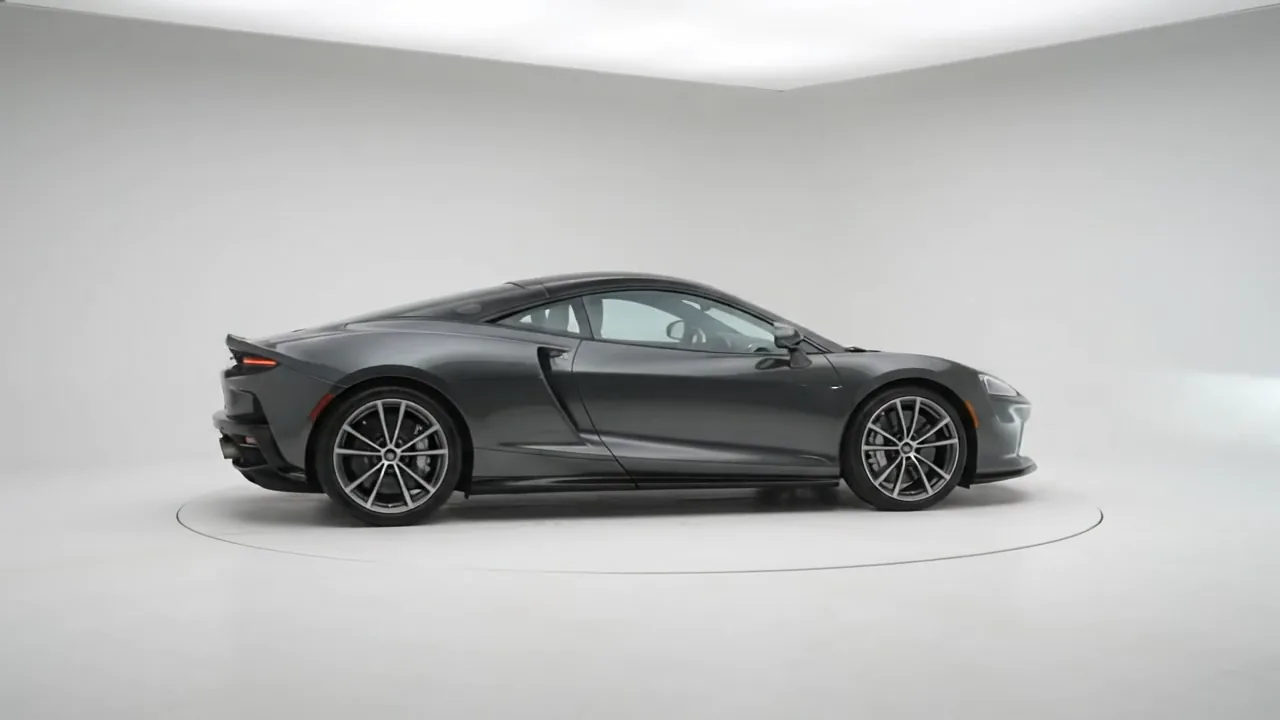

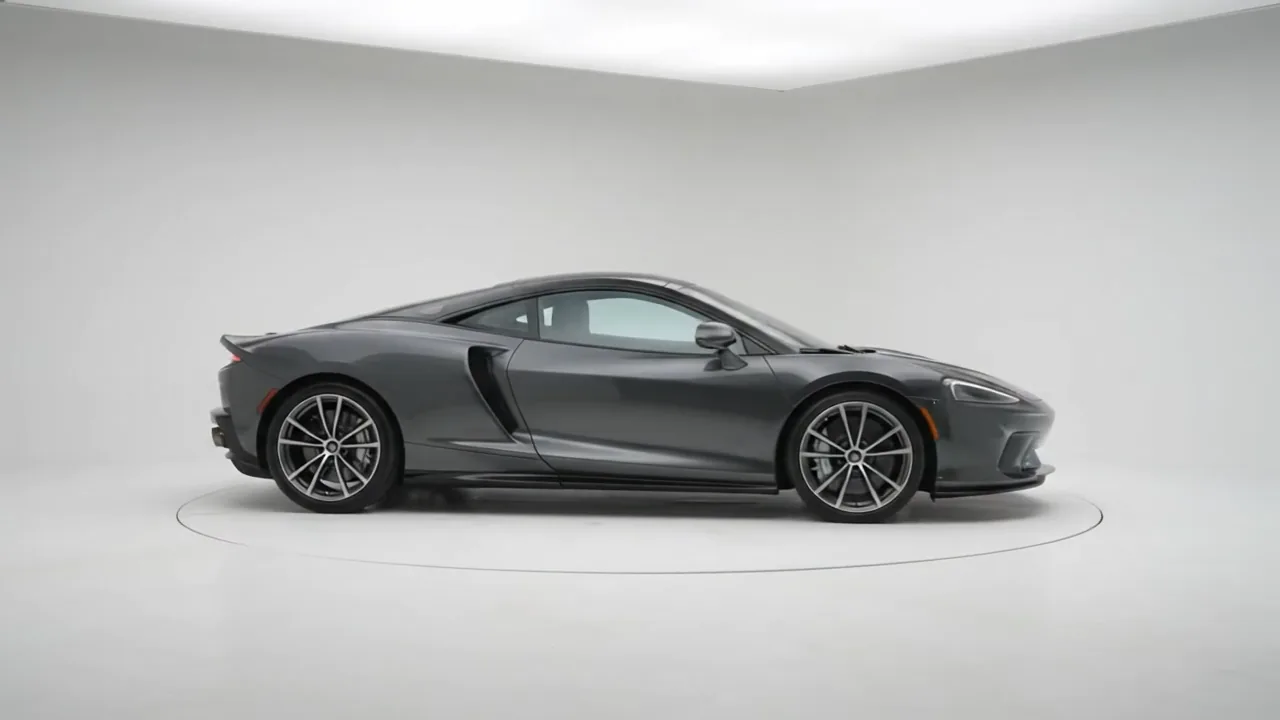

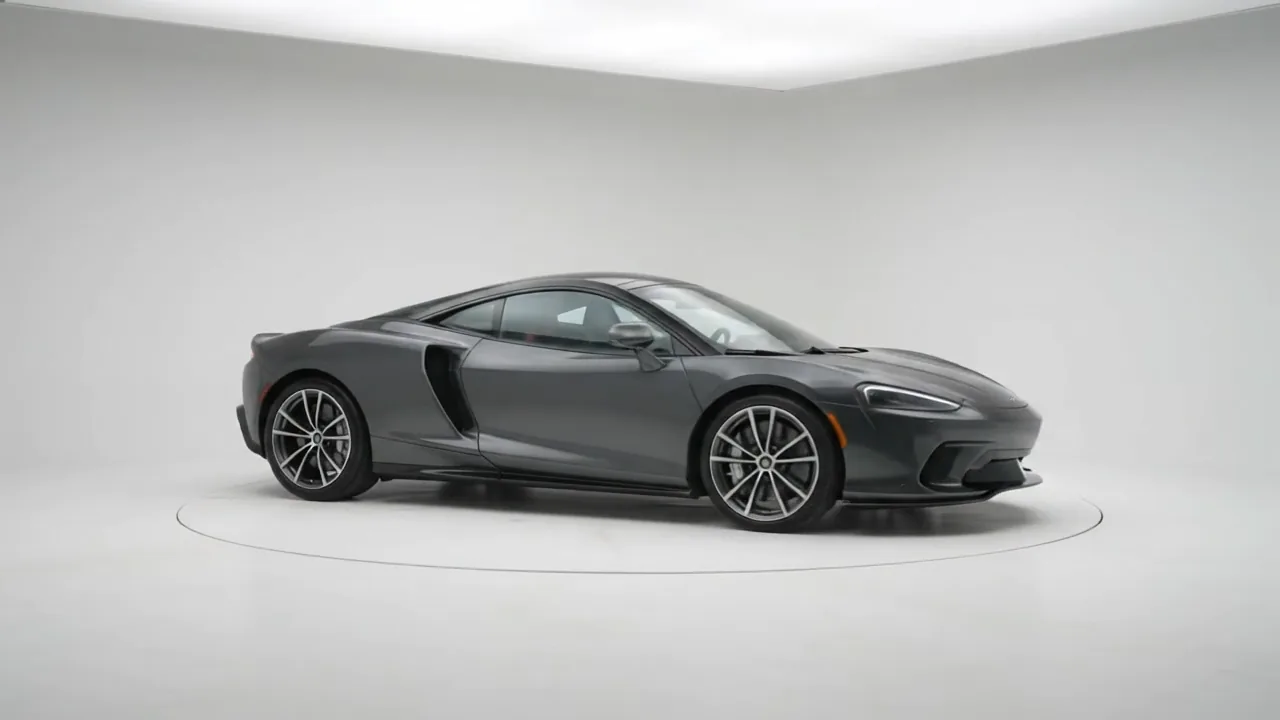

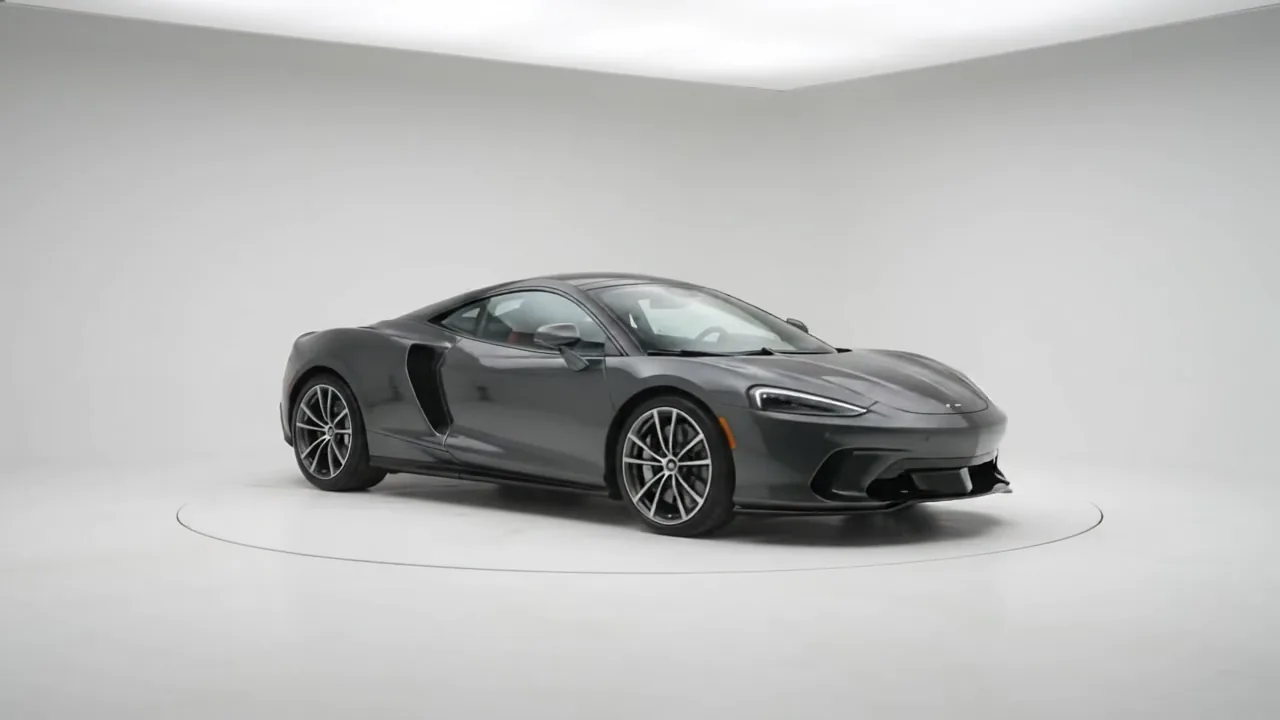

Use the left and right arrow keys to rotate.
Use the left and right arrow keys to rotate.
Use the left and right arrow keys to rotate.
Use the left and right arrow keys to rotate.
36 photos, one every 10 degrees. Autoplay starts when the spin is on screen and stops on the first drag. It stays still if your device is set to reduce motion.
Photos, not 3D models, and no library to load
- Frames picked as a gallery, preloaded
- Fewer frames on phones: all, half or a third
- Autoplay that starts when visible, stops on touch
- A center badge, a drag hint and an arrow
- Keyboard, screen reader label, reduced motion
- Inside query loops, images from dynamic data
Settings you’ll find in Bricks
Screenshots of the real panel, set like the demo above. Pick a group.
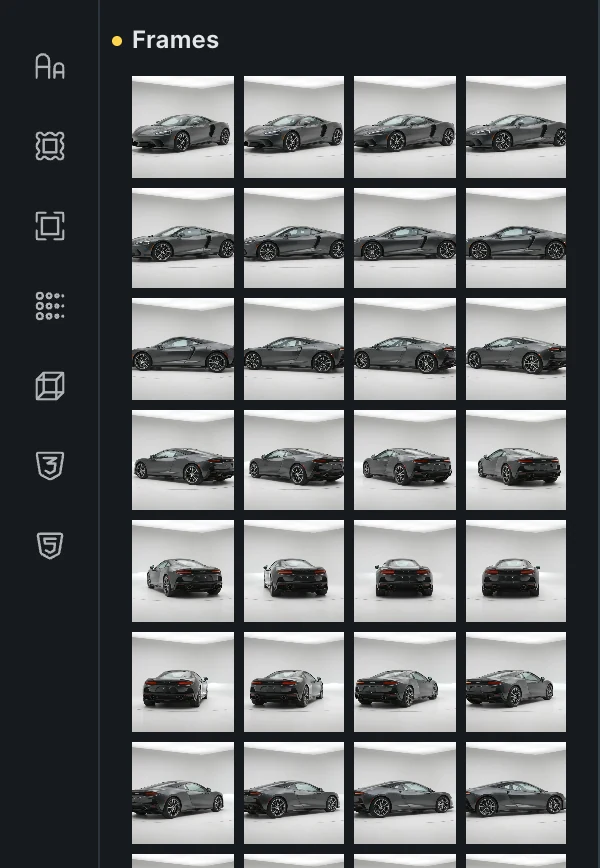
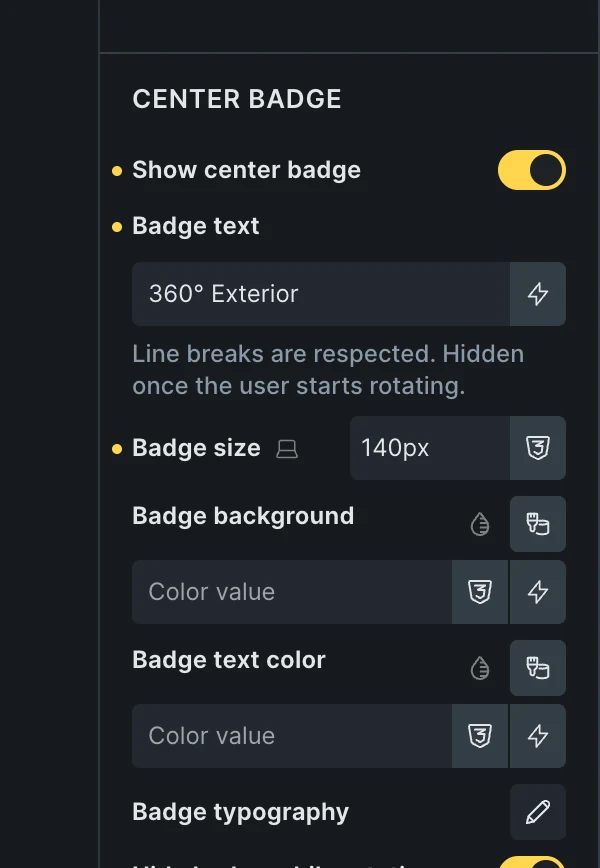
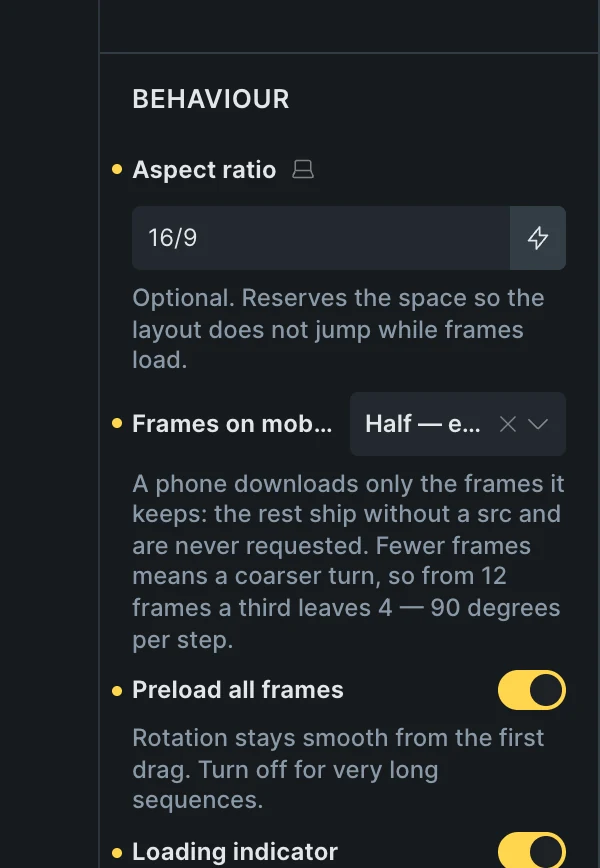
- Frames as a galleryPick the photos in the media library; keep your order, sort them by file name, or reverse them.
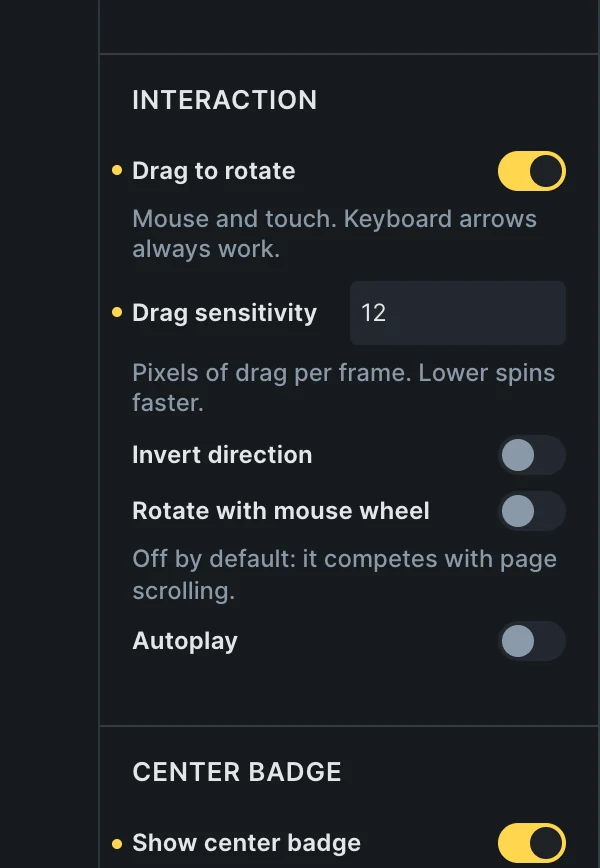
- Drag, wheel and autoplayDrag with its sensitivity, keyboard arrows always; invert direction, mouse wheel and autoplay are switches.
- A center badgeYour text, size and colors, hidden while the product turns or on mobile.
- Lighter on phonesAll, half or a third of the frames; the skipped ones never download. Preload and a loading indicator.
Included in the annual and lifetime plans. See plans
Built for product pages
WooCommerce product pages
The spin next to the gallery, before shoppers decide.
Launch pages
The product as the hero, turning on its own until someone drags it.
Catalogs and portfolios
One spin per item, inside a query loop.
A product page with room for the spin
Put the 360 Rotation element where the gallery is.
Questions, answered
Can’t find yours? Write to us.
Full 3D models, or photos?
Photos. A sequence of product shots, picked as a gallery. No model format to learn.
Do phones download every frame?
Only if you want them to. Frames on mobile keeps all of them, half or a third, and the skipped frames are never requested.
Is it included in the free plan?
No. The plugin is an extra included with the annual and lifetime plans.
Included in the annual and lifetime plans
Install the plugin from your account once you’re on a paid plan. Free templates and frameworks stay free either way.
See plansHow to install the plugin