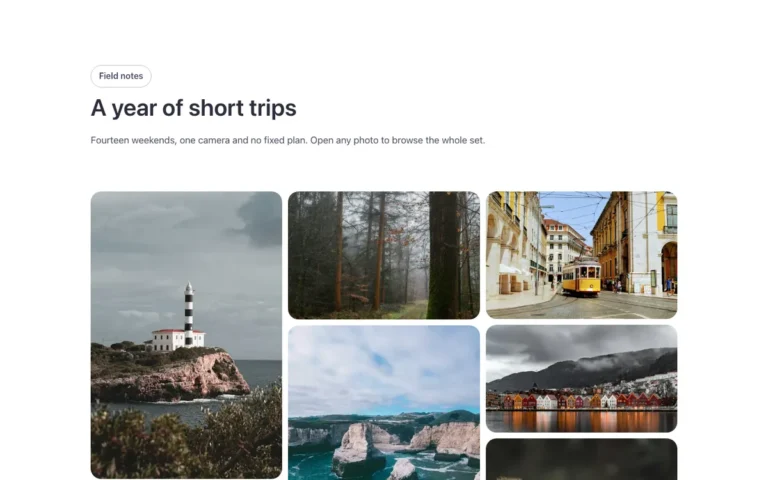
Gallery · Mosaic
A mosaic image gallery for Bricks Builder: five square columns with a large photo every seven images, built on the native Bricks Image Gallery. Every photo opens in the lightbox, so you fill it from the media library and nothing else.
Free with a free account.
Preview

Loading demo…
Template details
What’s inside
The components it’s built from. They come with the template when you paste it, and you edit them from the Bricks panel.
- FBK Intro
Eyebrow, title, lead and an actions slot for buttons.
Adjust it
Nothing extra to set: it takes its colors, spacing and type from your framework.
Replaces
In Fancy Bricks 1.0 and 2.0 this was Gallery (1.0).