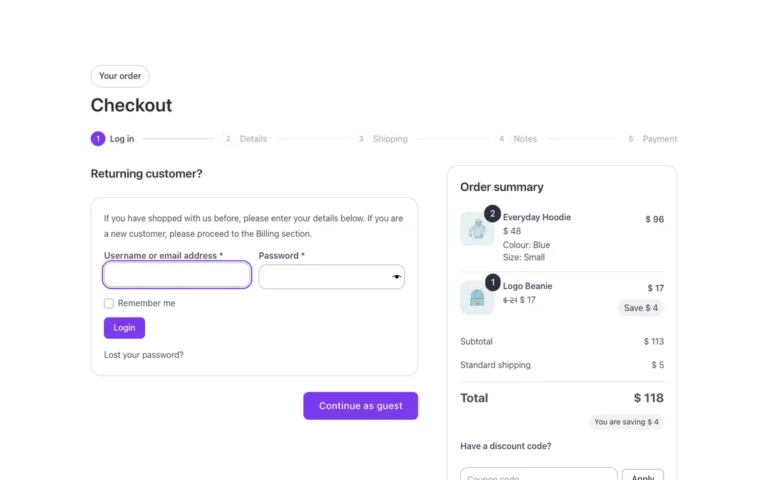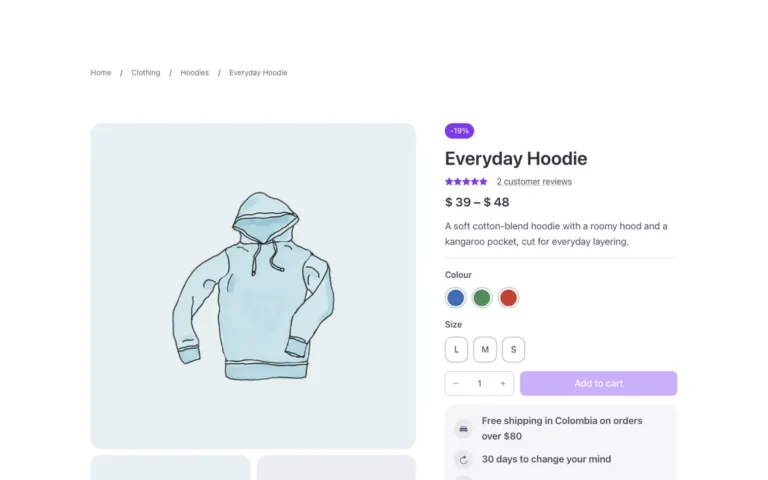
This inconvenience presented itself to me a few days ago with a client, I had finished developing their online store with Bricks and everything was working well, except for one thing, variable products with discounts did not appear in the product carousel, that’s when I realized that the _sale_price metadata is only present in simple products.
To solve this problem I found an alternative, maybe it’s not the simplest but it’s the only one I found until now without using more plugins (I’m not very fond of filling my wordpress installations with plugins), and the solution is the following PHP code:
Remember that this PHP code must be placed inside functions.php or use a plugin like Code Snippets.
What does this code do?
If you’re interested, I’ll explain it to you:
- The first line uses the “bricks/setup/control_options” filter to add a new custom query option called “On Sale Products” to the available control options.
- The second function uses the “bricks/query/run” filter to run a new query if the “On Sale Products” option is selected in the control options. If this option is not selected, the original query results are returned.
- The third function uses the “bricks/query/loop_object” filter to set the post data for each product returned in the “On Sale Products” custom query. If this option is not selected, the original loop object is returned.
- The fourth function “sale_query” defines the arguments for the custom query to only get on-sale products, it’s limited to 8 products, and the products are ordered by post date.
- The function “sale_query” uses the function “wc_get_product_ids_on_sale()” to only get the IDs of products that are on sale.
- The function “sale_query” uses the “WP_Query” class of WordPress to perform the query with the specified arguments and get the results. It checks if the query returns no results with “if( ! $query->have_posts() )”, if it doesn’t return results, it returns an empty array.
- Finally, the function “sale_query” returns the results of the query in the form of an array of post objects.
What should I do with this code?
Nothing, just go to your Query loop and you’ll find a new option called On Sale Products, select it and you’re good to go.