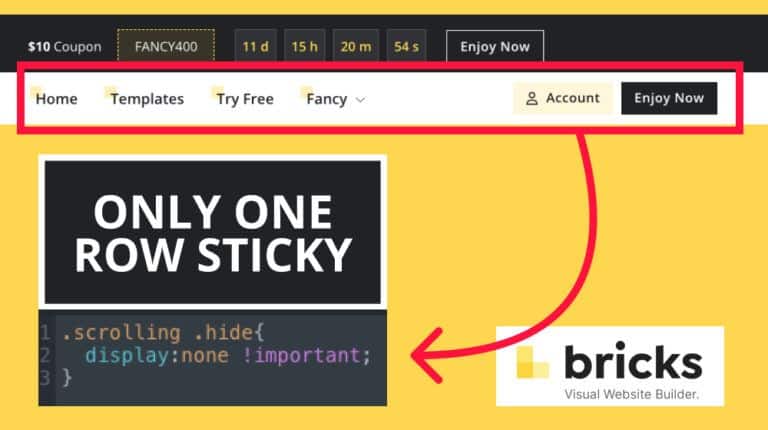
document.addEventListener('DOMContentLoaded', () => {
  // Espera a que todo cargue (incluido Bricks)
  window.addEventListener('load', () => {
    setTimeout(() => {
      const headerEl = document.getElementById('brx-header');
      const targetEls = Array.from(document.querySelectorAll('.fb-hide-on-scroll'));

      if (!headerEl || !targetEls.length) return;

      let headerHeight = 0;
      let addThreshold = 0;
      let removeThreshold = 0;
      let hidden = false;
      let ticking = false;

      function updateHeights() {
        headerHeight = headerEl.getBoundingClientRect().height;
        addThreshold = Math.ceil(headerHeight) + 1;
        removeThreshold = Math.max(0, Math.floor(headerHeight) - 6);
      }

      function applyHiddenClass(shouldHide) {
        targetEls.forEach(el => {
          el.classList.toggle('fb-hide', shouldHide);
        });
      }

      function onScrollRaf() {
        const scrollY = window.scrollY || window.pageYOffset;

        if (!hidden && scrollY > addThreshold) {
          hidden = true;
          applyHiddenClass(true);
        } else if (hidden && scrollY < removeThreshold) {
          hidden = false;
          applyHiddenClass(false);
        }
        ticking = false;
      }

      function onScroll() {
        if (!ticking) {
          ticking = true;
          requestAnimationFrame(onScrollRaf);
        }
      }

      updateHeights();
      window.addEventListener('scroll', onScroll, { passive: true });

      window.addEventListener('resize', () => {
        updateHeights();
        onScrollRaf();
      });

      if (typeof ResizeObserver !== 'undefined') {
        const ro = new ResizeObserver(() => {
          updateHeights();
          onScrollRaf();
        });
        ro.observe(headerEl);
      }

      onScrollRaf();
    }, 400); // <-- inicia 1 segundo después de la carga completa
  });
});

Add Buttons Inside the Menu – Bricks Builder

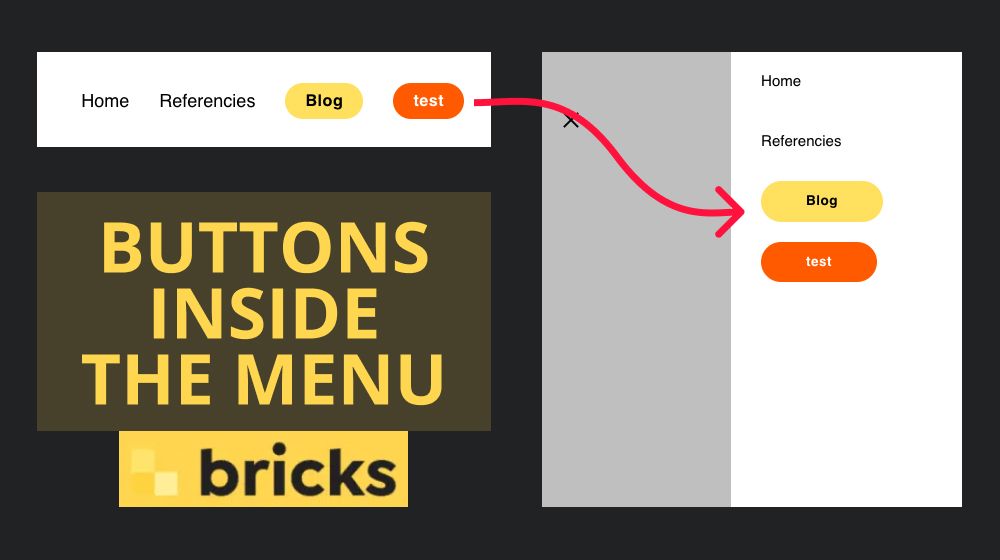
Many times we have several buttons in the menu and we have to hide them in the mobile version because of the screen space.

Reading Time: 0 min.

Add Buttons Inside the Menu - Bricks Builder

In this video I will show you how to add buttons inside the menu so that they appear in the mobile version menu.

Classes used in the video

Primary buttons: btn_menu bricks-button sm bricks-background-primary

Secondary buttons: btn_menu bricks-button sm bricks-background-secondary

CSS used in the video:

.btn_menu{
max-height: 3em;
margin-left: 30px;
margin-bottom: 10px;
margin-top: 10px;
}

.btn_menu a{
padding: 0 !important;
}

.btn_menu.bricks-background-primary a{
color: #ffffff !important;
}
Related posts

Improving the Bricks Builder Color Palette

Reading Time: 1 min.

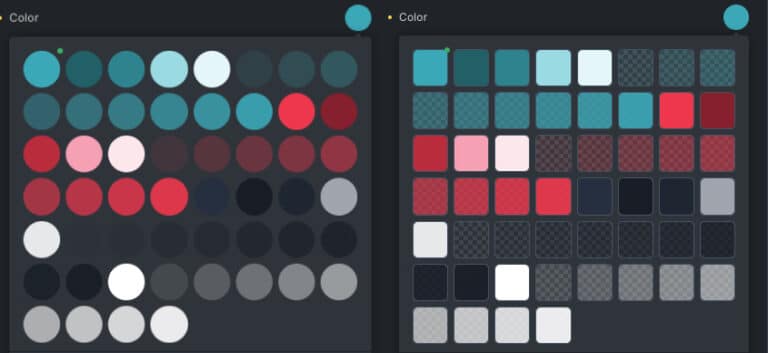
In this post, we’ll explore how to improve the visibility of the Bricks Builder color palette using CSS.

Leer artículo
Sticky sidebar | Floating column - Bricks Builder

Sticky sidebar | Floating column – Bricks Builder

Reading Time: 2 min.

In this post I will show you how to create a sticky sidebar in the right way, no more hiding…

Leer artículo
Sticky Header - Bricks Builder

Sticky Header – Only One Section – Bricks Builder

Reading Time: 0 min.

Sometimes we want only one of the columns or sections of our header to be sticky. Bricks does not have…

Leer artículo

1 comment