Support
Most answers are in these docs, starting with Copy and paste and Troubleshooting & FAQ. When you need a hand, what you get depends on your plan.
| Plan | Support |
|---|---|
| Free | Docs and community |
| Annual | Tickets and email |
| Lifetime | Tickets and email |
Open a ticket (annual and lifetime)
- Log in to your account.
- Go to Support, or click My account › Help › Open a ticket.
- Your support portal opens with All Tickets. Click + Create Ticket.
- Describe the problem and send it. Follow its answers from the same list (filter by All, Open or Closed).
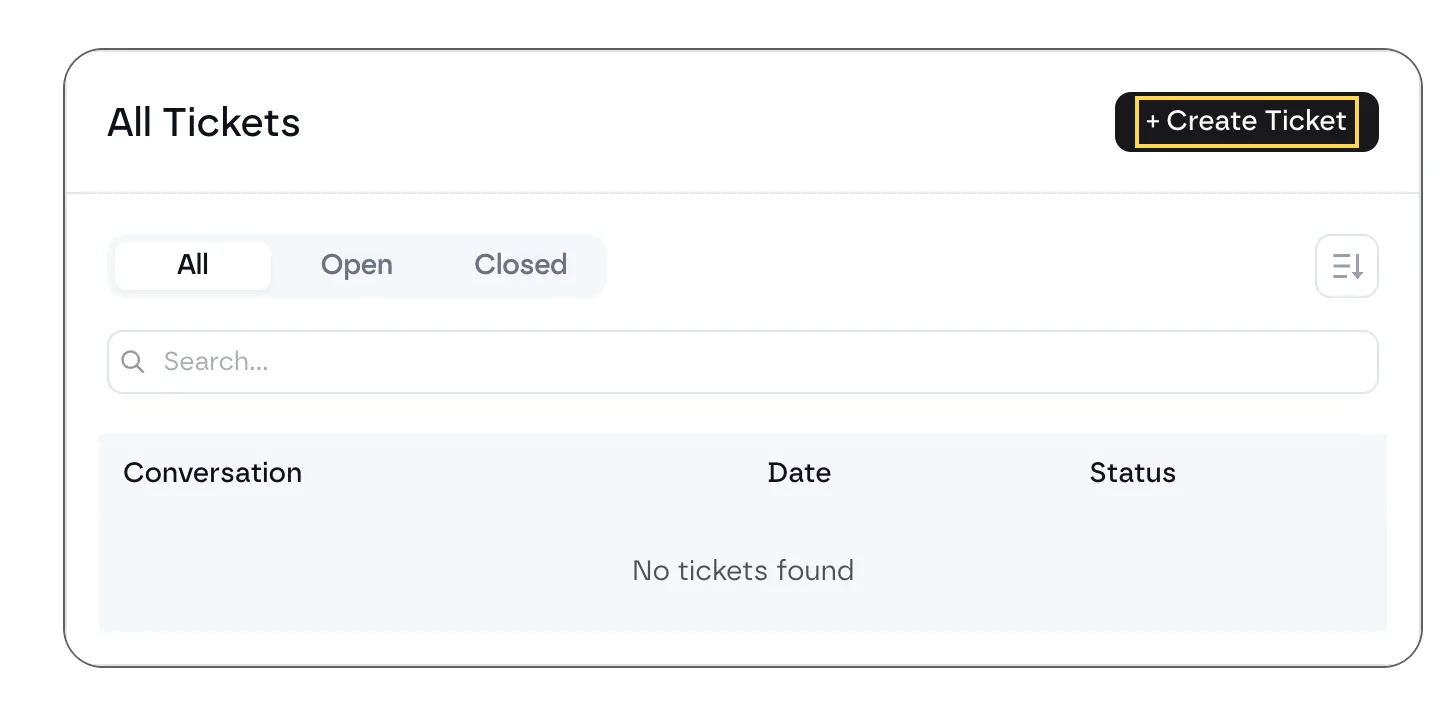 The support portal on an annual or lifetime plan.
Include the template's name, your framework (Fancy Framework, Automatic.css or Core) and the approach (desktop or mobile first). It's the fastest way to an answer.
You can also write to john@fancybricks.co.
Free accounts
Free accounts get community support. Logged in, the Support page links to the docs, the copy and paste guide and Ask the community. Tickets come with the annual and lifetime plans — see Account and plans.
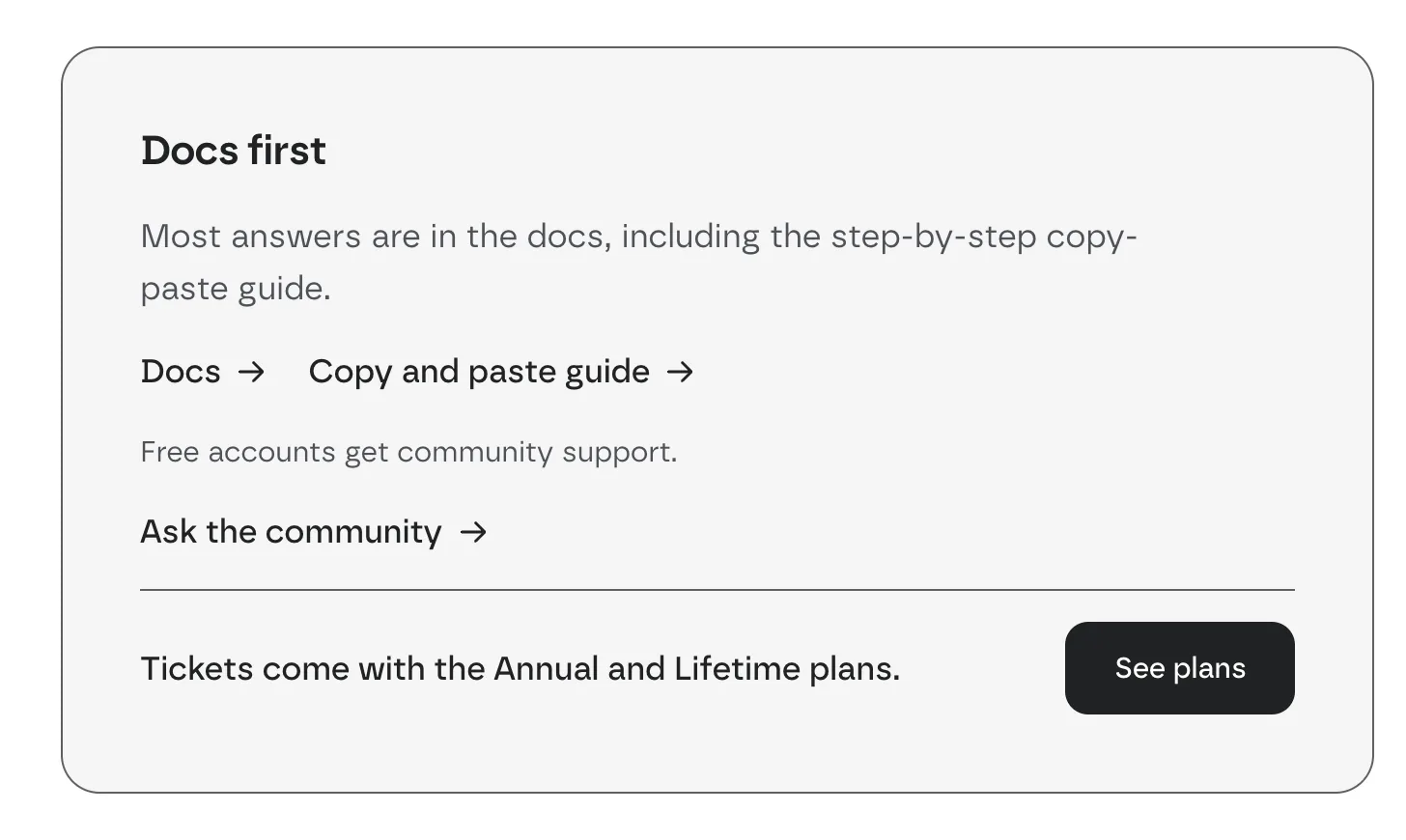 The support page on a free account.
The community is the Fancy Bricks group on Facebook: ask there and other Bricks builders, and the team, answer.
Not logged in
The Support page asks you to create a free account or log in to reach your support options.
 The support page when you aren't logged in.