Billing, renewal and upgrades
Everything about payments is in My account › Plan and billing (open it).
Your plan
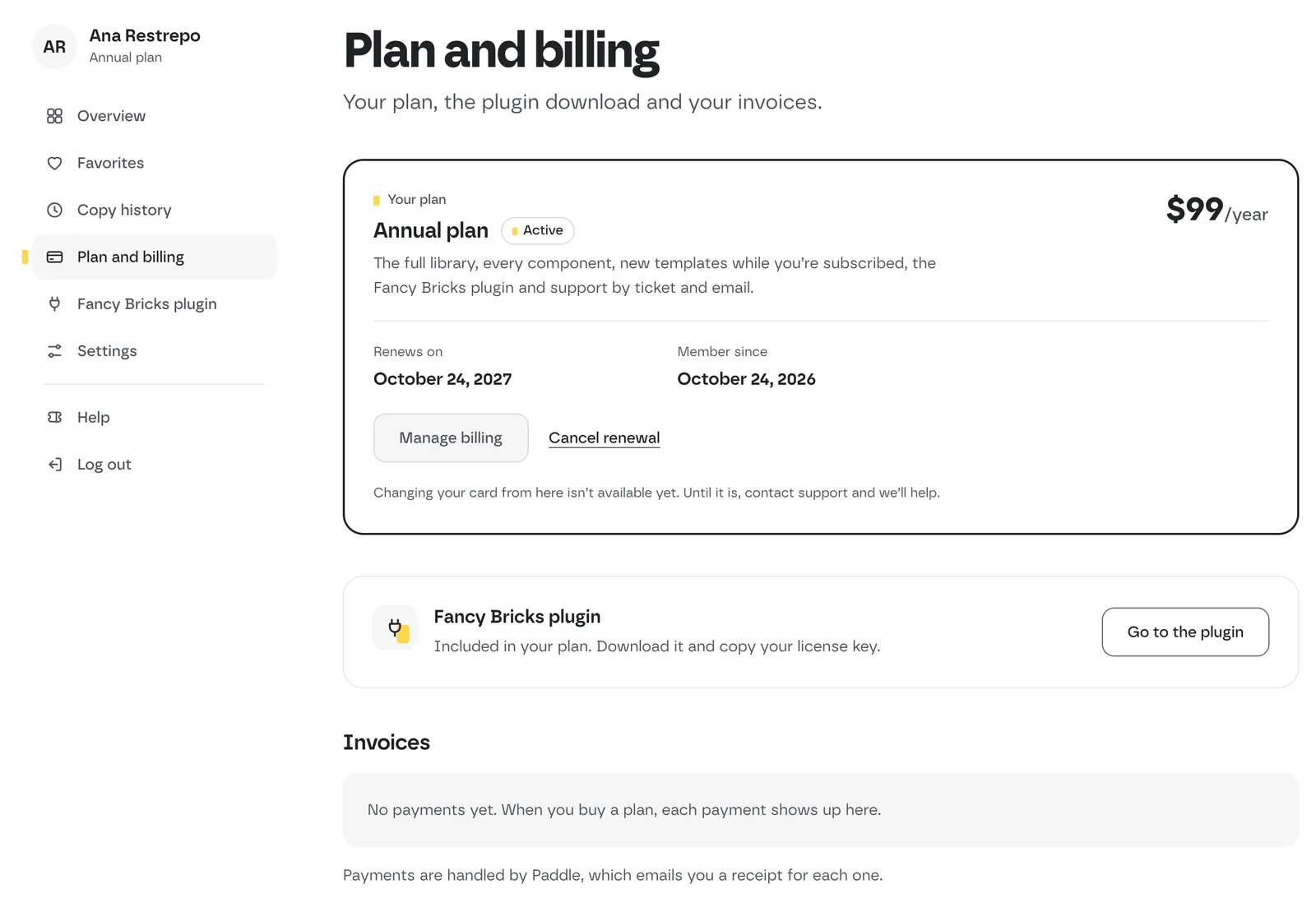 Plan and billing on an annual plan.
The plan card shows your plan, its price and what it includes. On a paid plan it also shows:
- Renews on — the next renewal date (annual plan), or Ends on if you canceled the renewal.
- Renews: Never: it's yours — on the lifetime plan.
- Member since and the Payment method.
On a free account, See plans takes you to the pricing page.
Invoices
The Invoices table lists each payment with its date, description, amount and status, and a View invoice link when one is available. Payments are handled by Paddle, which emails you a receipt for each one.
Checkout runs on Paddle: pay by card or PayPal, and Paddle sends the invoice or receipt by email.
Change your card
Changing your card from your account isn't available yet. Until it is, contact support and we'll help.
Cancel the renewal
- Open My account › Plan and billing.
- In the plan card, click Cancel renewal.
- A dialog asks you to confirm: click Cancel renewal again (or Keep my plan to leave it as it is).
- The card now shows Ends on with the last day of your paid period.
You keep the annual plan until the end of the period you paid for. After that your account becomes free: the full library and plugin updates stop, and your favorites and settings stay.
Canceling the renewal doesn't delete your account.
Upgrade
- From free to annual: Get Fancy Bricks Annual. Log in on the checkout page first so the plan goes to your existing account.
- From annual to lifetime: only on Black Friday. While the offer is on, Plan and billing shows Switch to lifetime: pay once, $299, and get new templates forever. Your annual plan stops renewing.
After paying, your plan can take a few minutes to show up in your account.
Refunds
Read the full terms on the refund policy page.